Today, our smartphones are our key window to the world. We use them to shop, socialise, manage our finances, and even hunt for our next job. If you want to truly understand your participants, relying on what they tell you they do online is no longer enough. You need to see it for yourself.
That is where mobile screen recording comes in.
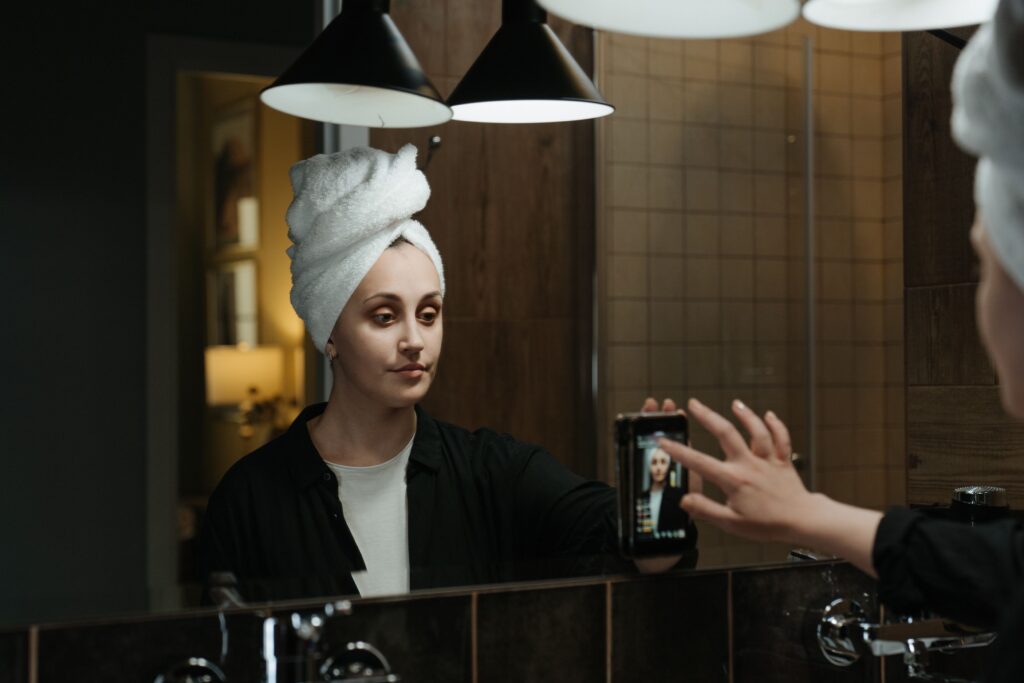
Built directly into the Field Notes app, our screen recording functionality is incredibly simple for participants to use. With just a tap, the app captures everything happening on their mobile screen, whilst simultaneously recording their real-time audio voiceover. You do not just see what they are doing; you hear exactly what they are thinking and feeling in that exact moment.
Here are five key ways you can use screen recording in your next project.
1. Step into their digital world and media ecosystem
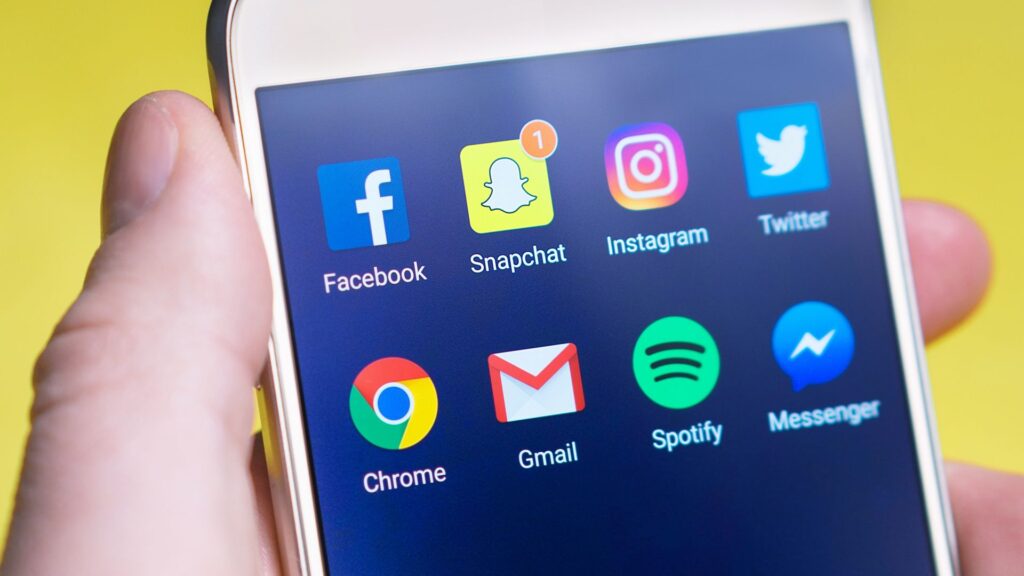
In an era driven by algorithms, everyone’s social media feed looks completely different. Screen recording allows you to step directly into your participant’s personal digital world. You can ask them to scroll through platforms like TikTok, Instagram, or LinkedIn, narrating their reactions as they go. This gives you a firsthand look at who they actually follow, where they get their daily inspiration, and how they discover new information, allowing you to see the world through their unique algorithmic lens.
2. Follow authentic online shopping journeys
The modern path to purchase is rarely linear. Shoppers constantly jump between browser tabs, compare prices, read reviews, and get distracted. By asking a participant to screen record their next online shopping trip, you can witness the entire decision-making process in real time. You will hear their excitement when they find a great deal, or their frustration when a checkout page crashes, giving you the exact ‘why’ behind the ‘buy’.
3. Conduct rapid UX and usability studies
If you want to know how user-friendly your app or website really is, watch a real person try to navigate it. Screen recording is the ultimate tool for remote UX testing. You can set a task for a participant to find a specific piece of information or complete a process on your site. Because the app records their voice alongside the screen, you can spot the precise moments of friction and hear their unfiltered feedback when a button does not work or a menu is confusing.
4. Track habits with Media Consumption & Content Diaries
It is one thing to know what platforms your audience uses; it is another to understand exactly when and how they consume media throughout the day. You can use screen recording to create longitudinal media consumption and content diaries. Ask participants to document every time they engage with the news or consume a piece of short-form content. Because they can easily screen record their feed and voice-over their thoughts, you get a real-time view of how they interact with specific articles, videos, or posts. This approach is invaluable for social research, allowing you to understand who they trust, how they verify information, and how inflammatory or algorithmic content shapes their world-view over time.
5. Testing Employer Branding & Internal Comms
When thinking about your audience, do not forget your employees and candidates! Screen recording tasks are incredibly powerful in the Employee Experience space. You can ask new graduates to screen record their experience of navigating your careers site, or ask current employees to voice-over their reactions to a new internal policy document or HR portal. It is the perfect way to test if your internal messaging and employer branding are actually landing as intended.
Ready to see the full picture? Your participants live rich, complex digital lives. Do not let their online experiences remain a mystery.
Book a demo with the Field Notes team today to see our screen recording functionality in action, and discover how easy it is to bring your participants’ digital worlds to life!